Interlaced CMS Carousel – Framer Component
The carousel Framer forgot to build. Connect one or two CMS collections and get a fully dynamic, interleaved carousel: with Spotlight mode, autoplay, and custom controls. No workarounds. No static content.
" width="14px"><path d="M 4 0 L 0 0 L 0 4 C 0 4.553 0.447 5 1 5 L 7 5 L 7 3 C 7 1.343 5.657 0 4 0 Z" fill="rgb(255, 255, 255)" height="5px" id="uFLfMSw9D" transform="translate(7 0)" width="7px"/><path d="M 0 6 L 0 0" fill="transparent" height="6px" id="l0ZPnvw7K" stroke-dasharray="" stroke-linecap="round" stroke-linejoin="round" stroke-width="2" stroke="rgb(255, 255, 255)" transform="translate(11 8)" width="1px"/><path d="M 14 6.24 L 14 3 C 14 1.343 12.657 0 11 0 L 3 0 C 1.343 0 0 1.343 0 3 L 0 11 C 0 12.657 1.343 14 3 14 L 6.24 14" fill="transparent" height="14px" id="jyBLLEZnu" stroke-dasharray="" stroke-linecap="round" stroke-linejoin="round" stroke-width="2" stroke="rgb(255, 255, 255)" width="14px"/><path d="M 0 0 L 6 0" fill="transparent" height="1px" id="JcnW0BS_1" stroke-dasharray="" stroke-linecap="round" stroke-linejoin="round" stroke-width="2" stroke="rgb(255, 255, 255)" transform="translate(8 11)" width="6px"/></g></svg>)
Get Started on Framer PRO for FREE
Click here to sign up, and get 3 Free months when upgrading your Framer Plan using code
partner25proyearly
Framer's native carousel doesn't support CMS data. This one does.
CMS Interleaved Carousel is a Framer component that reads directly from your CMS collections at runtime and renders a fully dynamic carousel — no manual content, no hacks, no limitations.
Connect a single collection for a standard CMS-powered slider, or connect two collections and watch the items interleave automatically: item 1 from Collection A, item 1 from Collection B, item 2 from Collection A, and so on. Perfect for mixed portfolios, editorial feeds, dual-brand galleries, or any layout that combines two content types in a single flow.
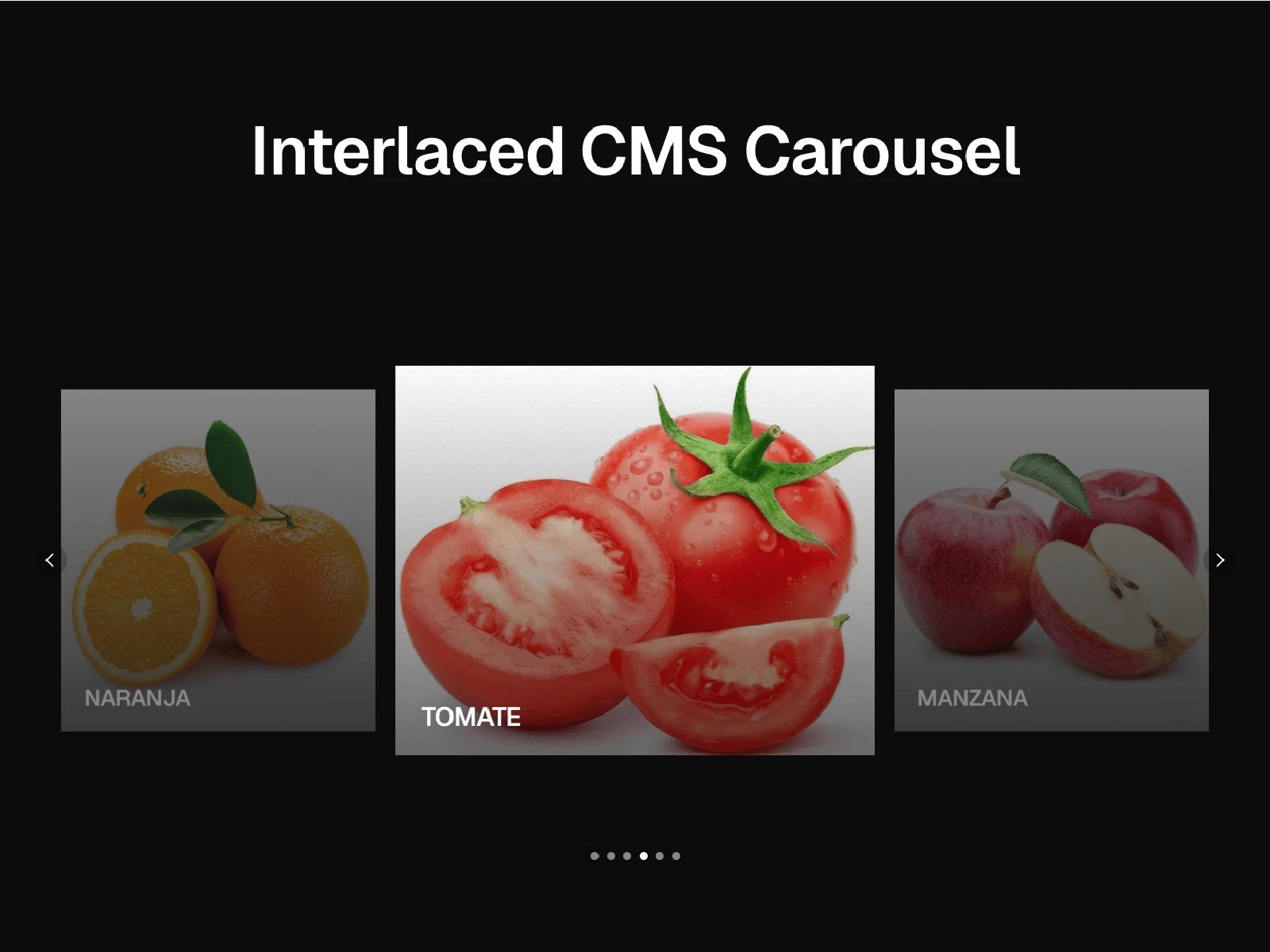
Spotlight Mode displays three slides simultaneously — previous, active, and next — with configurable scale and opacity on the side items. Clicking a side slide navigates to it. On mobile, it collapses automatically to a single focused item.
What's included:
CMS-connected carousel supporting 1 or 2 Framer collections
Interleaved item logic (A1 → B1 → A2 → B2…)
Spotlight Mode with 3-column prev/center/next layout
Autoplay with configurable interval
Animated transitions with adjustable duration
Navigation arrows — size, color, radius, inset, and custom images
Progress dots — fully styled with backdrop blur support
Edge fading via CSS mask gradient
Responsive: automatic single-item layout below 809px
Full accessibility markup (aria roles and labels)
Requires: items inside each Collection List must be set to Width = Fill and Height = Fill for correct sizing.