Mobile Haptic Button – Framer Component
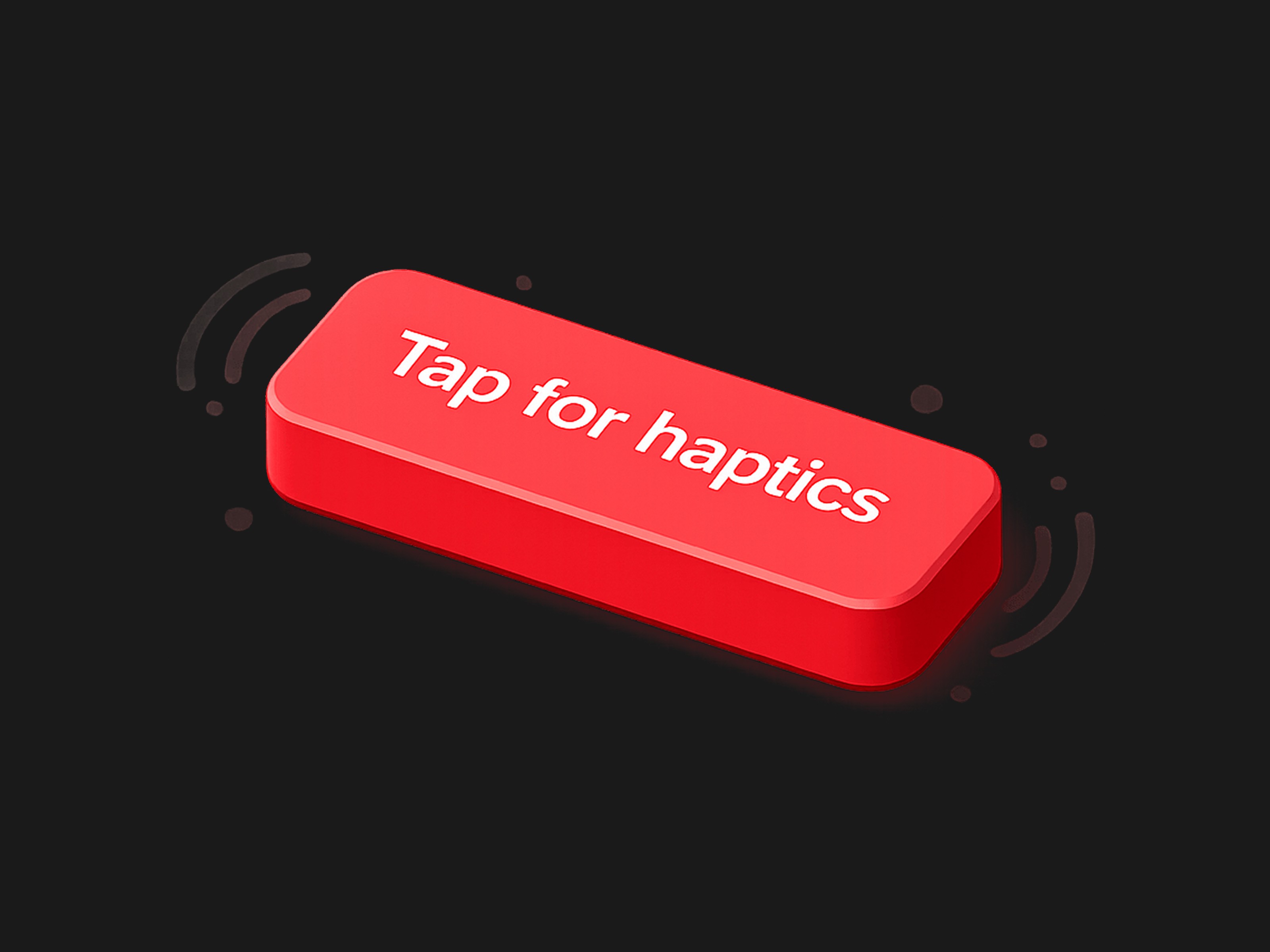
This premium Framer component bridges the gap between web and native apps by combining buttery-smooth spring animations with real, physical tactile feedback. Highly customizable and plug-and-play ready.
" width="14px"><path d="M 4 0 L 0 0 L 0 4 C 0 4.553 0.447 5 1 5 L 7 5 L 7 3 C 7 1.343 5.657 0 4 0 Z" fill="rgb(255, 255, 255)" height="5px" id="uFLfMSw9D" transform="translate(7 0)" width="7px"/><path d="M 0 6 L 0 0" fill="transparent" height="6px" id="l0ZPnvw7K" stroke-dasharray="" stroke-linecap="round" stroke-linejoin="round" stroke-width="2" stroke="rgb(255, 255, 255)" transform="translate(11 8)" width="1px"/><path d="M 14 6.24 L 14 3 C 14 1.343 12.657 0 11 0 L 3 0 C 1.343 0 0 1.343 0 3 L 0 11 C 0 12.657 1.343 14 3 14 L 6.24 14" fill="transparent" height="14px" id="jyBLLEZnu" stroke-dasharray="" stroke-linecap="round" stroke-linejoin="round" stroke-width="2" stroke="rgb(255, 255, 255)" width="14px"/><path d="M 0 0 L 6 0" fill="transparent" height="1px" id="JcnW0BS_1" stroke-dasharray="" stroke-linecap="round" stroke-linejoin="round" stroke-width="2" stroke="rgb(255, 255, 255)" transform="translate(8 11)" width="6px"/></g></svg>)
Get Started on Framer PRO for FREE
Click here to sign up, and get 3 Free months when upgrading your Framer Plan using code
partner25proyearly
Take your Framer projects to the next level with the Mobile Haptic Button, designed specifically to give your mobile layouts a premium, native-app feel.
How It Works
This component harnesses the power of the web-haptics library and Framer Motion to deliver a multisensory interaction:
Visual Feedback: When a user hovers or taps, the button responds with a highly refined spring animation (adjusting scale and colors dynamically) so it feels alive and responsive.
Tactile Feedback: On tap, it triggers the mobile device's native vibration motor using the Web Vibration API.
Graceful Degradation: If the user is on a desktop or a device that doesn't support web vibrations, the button still functions perfectly as a beautifully animated, standard button.
Whether you want a subtle click or a complex double-pulse alert, the built-in property controls let you dial in the exact feel without touching a single line of code.
Property Details
The component exposes a comprehensive suite of Framer property controls, organized for rapid customization:
Content & Events
Text: The label displayed on your button (Default: "Tap me").
On Tap: Standard Framer event handler to trigger navigation, overlays, or state changes when the button is clicked.
Styling & Layout
Typography: Full native Framer text controls to match your brand's font, weight, and sizing.
Padding: Adjust the inner spacing of the button natively.
Radius: Control the corner roundness, from sharp edges to fully pill-shaped.
Background: The default background color.
Text Color: The default text color.
Interactive States (Framer Motion)
Hover BG: The background color the button transitions to on hover.
Hover Text: The text color the button transitions to on hover.
Hover Scale: How much the button grows or shrinks on hover (Default: 1.05).
Tap Scale: How much the button compresses when physically pressed (Default: 0.95).
Haptic Engine Settings
Haptic: Choose from carefully calibrated presets:
Custom Settings (Visible only when "Custom 2-Step" is selected):