Smart Password Lock (Click-Safe) – Framer Component
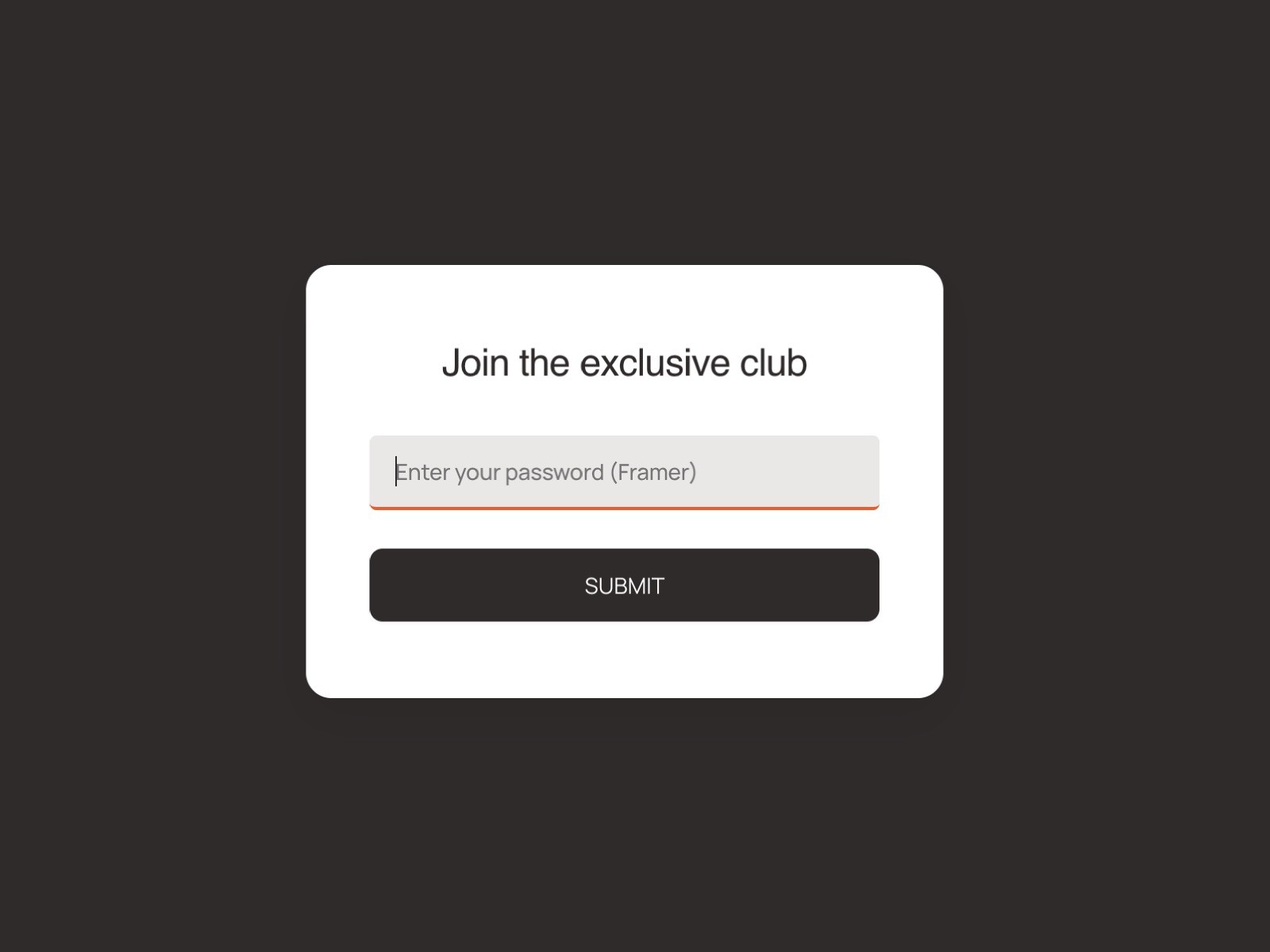
Finally, a password overlay that doesn't break your site. Features a "True Unlock" that prevents blocked clicks, plus "Remember Me" functionality and full design customization.
" width="14px"><path d="M 4 0 L 0 0 L 0 4 C 0 4.553 0.447 5 1 5 L 7 5 L 7 3 C 7 1.343 5.657 0 4 0 Z" fill="rgb(255, 255, 255)" height="5px" id="uFLfMSw9D" transform="translate(7 0)" width="7px"/><path d="M 0 6 L 0 0" fill="transparent" height="6px" id="l0ZPnvw7K" stroke-dasharray="" stroke-linecap="round" stroke-linejoin="round" stroke-width="2" stroke="rgb(255, 255, 255)" transform="translate(11 8)" width="1px"/><path d="M 14 6.24 L 14 3 C 14 1.343 12.657 0 11 0 L 3 0 C 1.343 0 0 1.343 0 3 L 0 11 C 0 12.657 1.343 14 3 14 L 6.24 14" fill="transparent" height="14px" id="jyBLLEZnu" stroke-dasharray="" stroke-linecap="round" stroke-linejoin="round" stroke-width="2" stroke="rgb(255, 255, 255)" width="14px"/><path d="M 0 0 L 6 0" fill="transparent" height="1px" id="JcnW0BS_1" stroke-dasharray="" stroke-linecap="round" stroke-linejoin="round" stroke-width="2" stroke="rgb(255, 255, 255)" transform="translate(8 11)" width="6px"/></g></svg>)
Get Started on Framer PRO for FREE
Click here to sign up, and get 3 Free months when upgrading your Framer Plan using code
partner25proyearly
The Problem with most Password Components: You’ve likely faced it before: you add a password lock to your page, and even after unlocking it, the hidden overlay sits invisibly on top of your content. You can't click buttons, hover over links, or interact with your design. It drove us crazy, so we fixed it.
Key Features:
Ghost-Free Interaction: Unlike other components, this lock completely unblocks the DOM after success. Your buttons, links, and hover states will work perfectly immediately after unlocking.
"Remember Me" Logic: Choose between requiring a password on every refresh or remembering the user's session so they only have to log in once per tab.
Full Customization: Control every color, font, and border. Match your brand identity perfectly.
Logo Support: Easily drop in your own component or image to display your logo above the prompt.
Instant Feedback: Built-in error states with shake animations and visual cues.
Perfect for:
Client preview pages
Internal team resources
Exclusive content gating
Portfolios
How to use:
Drag the component onto your page. Set it to absolute positioning and pin it to top 0 left 0 with a width: 1px height: 1px
Set your desired password in the properties panel.
Customize the colors and typography to match your site.
Set "Remember Me" to 'Yes' if you want to improve user experience for recurring visitors.