Stop the Over-Scroll – Framer Component
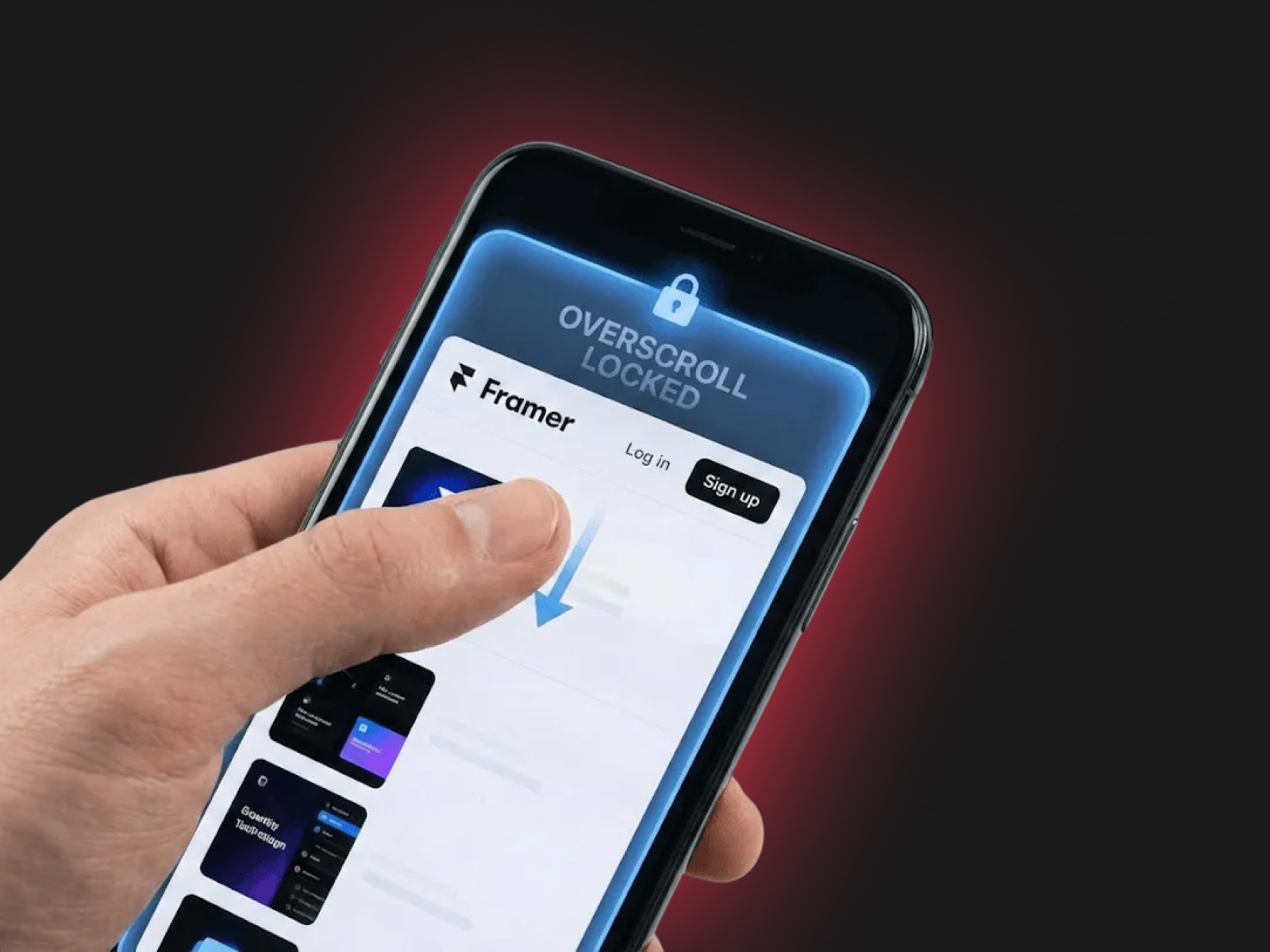
By default, mobile browsers (Safari and Chrome) allow users to pull the page past its boundaries, revealing the browser's background color or triggering an accidental "pull-to-refresh." This often breaks the immersion of fixed navigation bars and makes web apps feel unpolished.
" width="14px"><path d="M 4 0 L 0 0 L 0 4 C 0 4.553 0.447 5 1 5 L 7 5 L 7 3 C 7 1.343 5.657 0 4 0 Z" fill="rgb(255, 255, 255)" height="5px" id="uFLfMSw9D" transform="translate(7 0)" width="7px"/><path d="M 0 6 L 0 0" fill="transparent" height="6px" id="l0ZPnvw7K" stroke-dasharray="" stroke-linecap="round" stroke-linejoin="round" stroke-width="2" stroke="rgb(255, 255, 255)" transform="translate(11 8)" width="1px"/><path d="M 14 6.24 L 14 3 C 14 1.343 12.657 0 11 0 L 3 0 C 1.343 0 0 1.343 0 3 L 0 11 C 0 12.657 1.343 14 3 14 L 6.24 14" fill="transparent" height="14px" id="jyBLLEZnu" stroke-dasharray="" stroke-linecap="round" stroke-linejoin="round" stroke-width="2" stroke="rgb(255, 255, 255)" width="14px"/><path d="M 0 0 L 6 0" fill="transparent" height="1px" id="JcnW0BS_1" stroke-dasharray="" stroke-linecap="round" stroke-linejoin="round" stroke-width="2" stroke="rgb(255, 255, 255)" transform="translate(8 11)" width="6px"/></g></svg>)
Get Started on Framer PRO for FREE
Click here to sign up, and get 3 Free months when upgrading your Framer Plan using code
partner25proyearly
Mobile Scroll Lock: The "No-Bounce" Override
Give your Framer sites a truly native app feel by eliminating the distracting "rubber-band" elastic scrolling on mobile devices.
The Problem
By default, mobile browsers (Safari and Chrome) allow users to pull the page past its boundaries, revealing the browser's background color or triggering an accidental "pull-to-refresh." This often breaks the immersion of fixed navigation bars and makes web apps feel unpolished.
The Solution
This simple, high-performance code override applies overscroll-behavior: none to your project. It locks the viewport in place, ensuring that your top and bottom navigation bars stay exactly where they belong—no more bouncing, no more "gray gaps," and no more accidental refreshes.
How to Use
Copy the code file.
Create a New Code File in your Framer project's "Code" section.
Paste the Code and save.
Apply the
withNoOverscrolloverride to your Layout Template Page or main Breakpoint.Publish and enjoy a rock-solid mobile experience.
Pro Tip: Perfect for portfolios, dashboards, and landing pages with fixed navigation or bottom bars.